
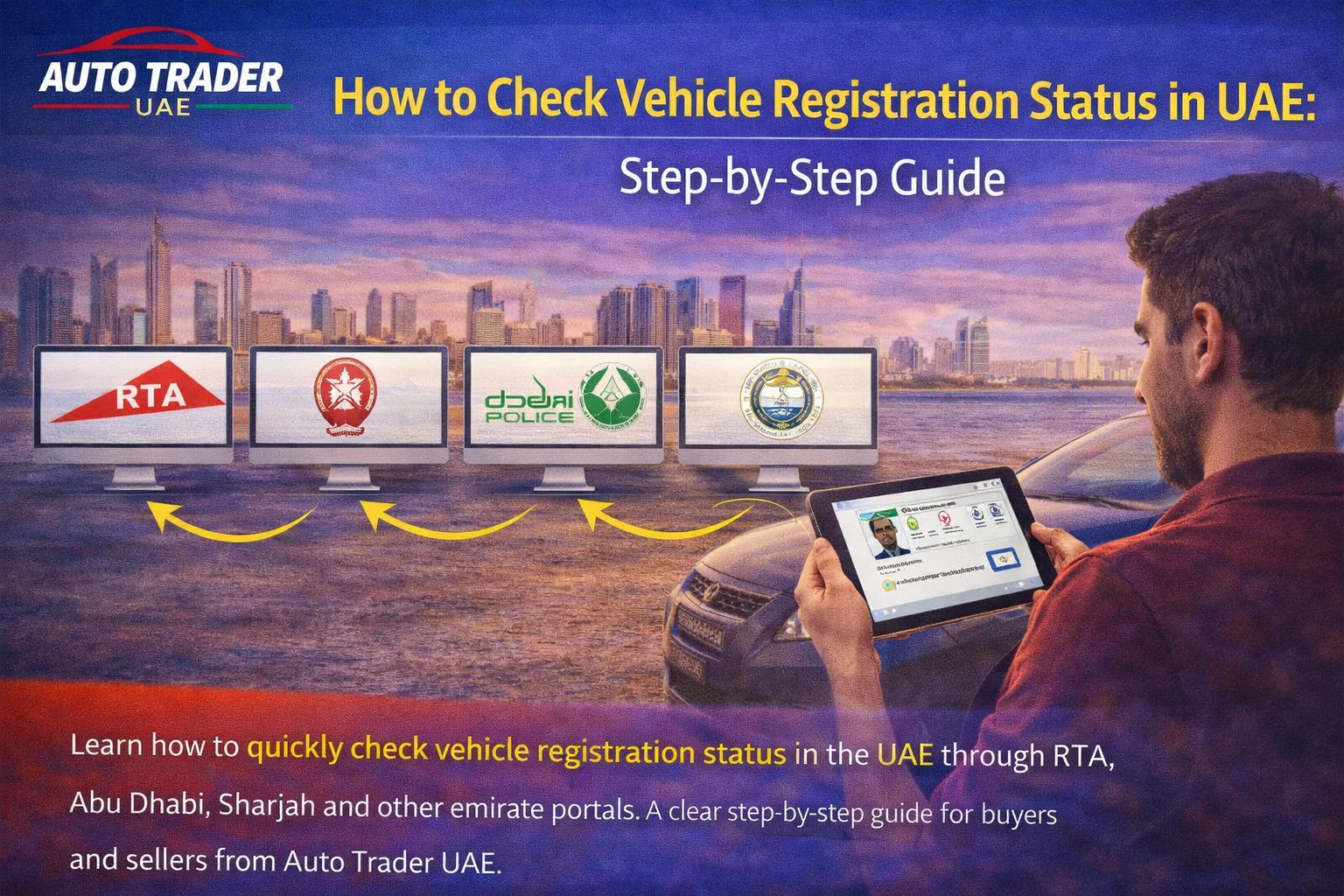
How to Check Vehicle Registration Status in UAE: Step-by-Step Guide
Checking a car’s registration status in the UAE is essential whether you are buying, selling, or simply renewing your own vehicle. This guide from Auto Trader UAE explains every practical way to check registration status across all emirates.
Why Vehicle Registration Status Matters
Before you pay a deposit, list your car for sale, or drive across emirates, you should know:
- Is the car currently registered? You can’t legally drive an unregistered vehicle on public roads.
- When does the registration expire? Avoid fines, renewal penalties, and insurance issues.
- Is the car blocked or wanted? Some portals will show blocks due to fines, accidents, or legal issues.
- Does the plate belong to this car? Helpful when buying used or checking a car listed online.
When you browse used cars on Auto Trader UAE, cross-checking registration details through official channels helps you filter serious sellers and well-maintained vehicles.
What You Need Before You Start
Depending on the emirate and platform, you may need:
- Plate number (and sometimes code / category)
- Vehicle licence number (also called registration card number)
- Traffic file number
- Emirates ID (for logged-in services)
Keep your Mulkiya (vehicle registration card) nearby if you own the car. If you are a buyer, ask the seller to share at least the plate number and emirate.
How to Check Vehicle Registration Status in Dubai (RTA)
For Dubai-registered vehicles, the Roads and Transport Authority (RTA) provides multiple options.
1. RTA Website
1. Go to the official RTA website (Dubai). 2. Navigate to the Drivers & Vehicles or Vehicle Services section. 3. Look for services such as Vehicle Expiry Inquiry or similar. 4. Enter the required details (usually plate number, code, and category). 5. Confirm the captcha and submit. You will typically see:
- Vehicle registration status (active / expired)
- Registration expiry date
- Vehicle basic details (make, model, year)
2. Dubai Drive / RTA Smart Apps
RTA’s official apps (e.g. Dubai Drive or RTA Dubai) let you check your own vehicles after login. 1. Download the official RTA app from your app store. 2. Sign in using UAE Pass or your RTA account. 3. Go to My Vehicles or Vehicle Services. 4. Select the vehicle to view its registration status and expiry date. This is handy for reminders when you’re planning to sell your car on Auto Trader UAE and want to renew before listing.
3. Call or Visit an RTA Service Centre
If you can’t access the website or app:
- Call the RTA customer service centre and provide your plate number or traffic file.
- Or visit an RTA Customer Happiness Centre or service partner with your Emirates ID and Mulkiya.
How to Check Vehicle Registration Status in Abu Dhabi
In Abu Dhabi, vehicle services are managed by the emirate’s traffic authorities through digital channels.
1. Abu Dhabi Police / TAMM Online Platforms
1. Visit the official Abu Dhabi Police or TAMM Abu Dhabi portal. 2. Log in with UAE Pass if needed. 3. Go to Vehicle Services or Traffic Services. 4. Choose a service such as Vehicle Details or Registration Expiry. 5. Enter the plate information or vehicle details as requested. The system normally shows whether the car is registered, the expiry date, and related details.
2. Mobile App
Through the official Abu Dhabi Police or TAMM app: 1. Download the official app from your app store. 2. Sign in using UAE Pass. 3. Navigate to My Vehicles or traffic services. 4. Select a vehicle to see registration status, expiry, and any fines. When buying a used car in Abu Dhabi, compare what you see in the app to the information provided in the listing and by the seller.
How to Check Vehicle Registration Status in Sharjah
Vehicle registration in Sharjah is handled mainly through Sharjah Police and related digital services.
Online and App Channels
1. Visit the official Sharjah Police website or the relevant Smart Government portal. 2. Look for Traffic & Licensing or Vehicle Services. 3. Log in, if required, with UAE Pass or account credentials. 4. Use the search option for vehicle information or registration expiry by plate or vehicle details. You can also use the official Sharjah Police smart app, which typically lets registered users see their vehicles and registration details.
Other Emirates: Ajman, Ras Al Khaimah, Fujairah, Umm Al Quwain
Each emirate provides online and app-based solutions through its police or traffic departments.
Ajman
- Use Ajman Police smart services (website or app).
- Access Traffic and Licensing or Vehicle Services.
- Search by plate number or vehicle details to see registration status.
Ras Al Khaimah, Fujairah, Umm Al Quwain
- Visit the official Police or Traffic & Licensing Department portals for each emirate.
- Look for Vehicle Inquiry or registration information services.
- Enter the requested details to verify the current status and expiry.
If you are not sure which platform to use, start from the emirate’s official police website and follow the links to smart services.
Can You Check a Car’s Registration Status by Plate Number Only?
In many cases, yes — especially if you are just checking whether a car is registered and when it expires. However, some services:
- Require you to log in with UAE Pass.
- Only show full details to the registered owner.
- May not display sensitive information to protect privacy.
When buying a car you found on Auto Trader UAE, it’s reasonable to ask the seller to:
- Show you the Mulkiya in person.
- Share a masked copy (with personal details hidden) if you are checking remotely.
- Allow you to verify the plate and chassis number against official records.
How to Check Registration Status When Buying a Used Car
Here’s a simple process you can follow as a buyer:
- Find the car on Auto Trader UAE and review the listing details (year, mileage, condition).
- Ask the seller for the plate number, emirate, and a photo of the Mulkiya.
- Use the correct emirate portal (RTA Dubai, Abu Dhabi Police, Sharjah Police, etc.) to confirm:
- Registration status is active.
- Expiry date matches what the seller says.
- Vehicle details (make/model/year) match the listing and Mulkiya.
- Check for fines and blocks through the emirate’s traffic services if available.
- Inspect and test drive the car, and consider a professional inspection.
- Complete transfer at the official traffic or RTA centre so the system updates registration to your name.
This protects you from buying a car with expired registration, unpaid fines, or mismatched documents.
How to Check Your Own Vehicle’s Registration Before Selling
If you plan to sell your car on Auto Trader UAE:
- Log in to your emirate’s official app or portal (RTA, Abu Dhabi Police, Sharjah Police, etc.).
- Go to My Vehicles and confirm registration status and expiry.
- Renew the registration if it is near expiry, subject to passing inspection and having valid insurance.
- Clear any fines that may block renewal or transfer.
- Update your listing on Auto Trader UAE to highlight that the car has valid registration and is ready to transfer.
A car with fresh registration and clear paperwork is easier to sell and often more attractive to buyers.
Common Issues When Checking Vehicle Registration
- Wrong plate details: Double-check plate code, category, and emirate.
- System not showing details: Some portals limit what non-owners can see for privacy.
- Login problems: Make sure your UAE Pass is active and linked correctly.
- Data mismatch: If the portal data doesn’t match the Mulkiya, contact the traffic department before buying.
If in doubt, visit a customer happiness or traffic service centre with the seller and complete the deal there.
Staying Legal: Registration, Insurance, and Testing
To keep a vehicle legally on the road in the UAE, you generally need:
- Valid vehicle registration (renewed annually in most cases).
- Valid insurance policy for the vehicle.
- Passing vehicle inspection for renewal when required.
Checking the registration status is only one part of the process. When you buy or sell through Auto Trader UAE, planning ahead for testing, insurance, and transfer helps you avoid delays on delivery day.
Conclusion: Use Registration Checks to Buy and Sell with Confidence
Knowing how to check vehicle registration status in the UAE makes every step of buying or selling smoother.
- Buyers can avoid cars with expired registration, pending blocks, or mismatched documents.
- Sellers can renew on time, clear fines, and advertise their car honestly and confidently.
Once you’ve confirmed the registration and paperwork, you’re ready to move to the next step:
- Browse thousands of used cars listed across all emirates on Auto Trader UAE.
- Create a listing for your car with clear details on registration validity and condition.
- Explore related guides on inspections, RTA tests, and ownership transfer to complete the process smoothly.
Use the official portals for verification, and use Auto Trader UAE to find the right buyer or the right used car at the right price.
If you are exploring used cars in Dubai or elsewhere in the UAE, Auto Trader UAE makes it easier to compare listings, prices, trims, mileage, and seller details in one place.
Related Links
Buyer Takeaway
When buying a used car in the UAE, focus on vehicle condition, service history, inspection quality, paperwork, and total running costs rather than price alone. Compare options carefully and choose the option that best matches your budget and real needs.