
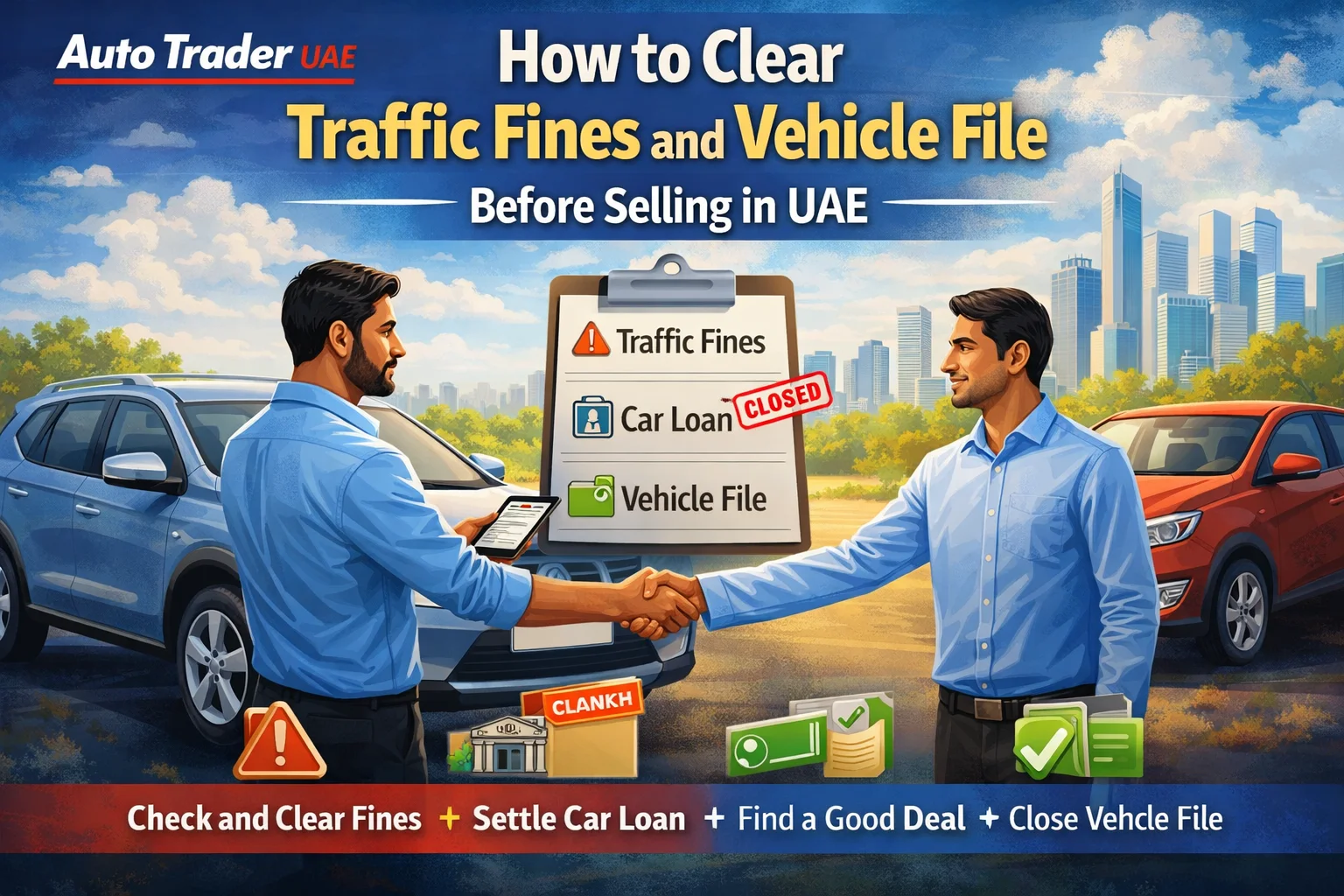
Selling your car in the UAE is straightforward – as long as your traffic fines are cleared and your vehicle file is clean. If you ignore them, the buyer won’t be able to transfer ownership, and your sale can fall through at the last minute.
This guide explains step by step how to clear traffic fines and your vehicle file before selling in the UAE, so you can list your car with confidence on platforms like Auto Trader UAE. Why you must clear traffic fines before selling
In the UAE, a vehicle cannot be transferred to a new owner if: There are unpaid traffic fines There are black points that block renewal/transfer There is an active mortgage (bank or auto finance loan) There is a police/blocking case related to the vehicle
When you and the buyer go to transfer ownership at the traffic department or through approved centres, the system will automatically check for: Outstanding traffic fines Salik / toll fines (in some emirates) RTA or police blocks Open vehicle file issues
If anything is pending, the system simply won’t complete the transfer. Clearing everything in advance makes your used car listing more attractive and gives buyers confidence that the deal will be smooth. Step 1: Gather your car and personal details
Before you start clearing fines or closing your vehicle file, have these details ready: Emirates ID Driving licence Vehicle registration card (Mulkiya) Plate number and code Chassis (VIN) number (usually on the Mulkiya) Registered mobile number and email
If you’re selling a company car, you will also need the trade licence and an authorised signatory letter. Step 2: Check all traffic fines on your car
Always start by checking exactly what’s outstanding. Each emirate has its own system, but most UAE drivers can use these channels:
2.1 Online portals and apps
Dubai RTA website and RTA Dubai app Dubai Police website and app
Abu Dhabi TAMM portal and app Abu Dhabi Police website and app
Sharjah, Ajman, UAQ, RAK, Fujairah Respective police websites and apps MOI (Ministry of Interior) app and website
You can usually search by: Plate number and code Licence number Traffic file number
Take screenshots or notes of: Total fines amount Type of violations Emirate where they were issued
This helps you plan which platform or authority to pay through.
2.2 Salik and other toll systems
If you’ve driven in Dubai or Abu Dhabi, also check: Salik account (salik.gov.ae or Salik app) Abu Dhabi toll gate (Darb) account
While overdue tolls are separate from regular traffic fines, they can still cause issues if there are unpaid penalties or blocks linked to your car. Step 3: Pay your traffic fines
Once you know what you owe, you can pay using several easy methods.
3.1 Pay online
Most fines can be paid online through: RTA, Police, MOI, or TAMM portals Official Apple/Google apps for each emirate
Online payment methods usually include: Credit or debit card Sometimes direct bank payment
Pay emirate by emirate if needed. After payment, keep the confirmation receipts or reference numbers in case a buyer asks for proof.
3.2 Pay via smart kiosks or service centres
If you prefer in-person or have complex fines, you can visit: RTA Customer Happiness Centres (Dubai) Police traffic departments MOI service centres Typing centres or approved vehicle registration centres
Staff can: Print a full fines summary Help you pay in cash or card Clarify any confusing or disputed fines
3.3 Look out for fine discounts and offers
From time to time, emirates announce: Early payment discounts Percentage discounts for good driving behaviour Special campaigns (e.g., national day, safety initiatives)
If timing allows, you might benefit from waiting for a discount campaign. But if you’re already in the process of selling, don’t delay the sale just to chase a possible offer. Step 4: Resolve black points or blocks (if any)
In some cases, fines are linked to black points or restrictions on your traffic file. Before selling your car, make sure: You don’t have an active driving ban There are no police or court blocks related to the vehicle
If there are: Visit the relevant police department Settle any outstanding cases or fines Ask them to remove the block from the system
Only once these restrictions are cleared will you be able to transfer ownership. Step 5: Clear outstanding bank loan or mortgage
If your car was financed, your vehicle file will usually show a mortgage held by the bank or finance company. The buyer cannot transfer the car into their name until this is cleared.
5.1 Check if there is a mortgage on the vehicle
You can see this in: Your Mulkiya (it may show a mortgage sign) RTA or police system when you inquire about the car
5.2 Steps to clear the mortgage
1. Request your loan settlement amount from the bank or finance company. 2. Pay the remaining loan amount (directly or using buyer’s funds if you agree on this arrangement in writing). 3. Ask the bank to release the mortgage in the traffic/RTA system. This can take from a few hours to several business days depending on the bank and emirate. 4. Confirm in the system (via RTA, MOI, or police portal) that the mortgage has been removed.
Only once the mortgage is fully released will the buyer be able to complete the transfer. Step 6: Check your vehicle file status in the UAE system
Your vehicle file is the official record of your car with the traffic authority. Before selling, ensure that: All fines on the vehicle are cleared All fines linked to your traffic file are cleared There is no active mortgage There are no outstanding inspection or clearance requirements
You can confirm this by: Logging into your online account (RTA, MOI, TAMM, etc.) Visiting a service centre or vehicle testing centre Requesting a full vehicle status printout
If something doesn’t look right, ask staff to explain and guide you on how to fix it. Step 7: Prepare for the sale and ownership transfer
Once fines and the vehicle file are clear, you’re ready to sell with confidence.
7.1 Get a fresh vehicle test (if needed)
In most emirates, used cars must pass a RTA or traffic department inspection before transfer. The test typically checks: Basic safety (brakes, lights, tyres, suspension) Chassis and structural integrity Vehicle identification numbers
If your test is about to expire or has already expired, it’s often easier to test the car yourself before listing it. A recent, valid test result is reassuring for buyers.
7.2 Prepare your documents for the transfer
You’ll normally need: Original Emirates ID (seller and buyer) Original Mulkiya Valid insurance (car must be insured to complete transfer) Vehicle passing certificate (if required) Bank mortgage release (if previously financed) Company documents (if under a company name)
Check your emirate’s specific requirements in advance so nothing delays the transfer. Step 8: Be transparent with buyers
Serious buyers in the UAE appreciate clarity. When you list your car on Auto Trader UAE or similar platforms, it helps to mention: “All traffic fines cleared” “No bank loan / mortgage” or “Mortgage cleared with bank” “Recent RTA / traffic test passed” with date
You don’t need to share every fine you ever had, but showing that everything is fully settled makes your car easier to sell and can support your asking price. Quick checklist: before you sell your car in the UAE
Use this list before you meet a buyer or visit the traffic department:
1. All traffic fines on the vehicle are paid in every emirate. 2. Any related Salik or toll penalties are cleared. 3. No black points or police blocks that prevent transfer. 4. Bank loan / mortgage fully settled and released. 5. Vehicle test done and passed (if required). 6. Insurance valid at time of transfer. 7. All documents ready (IDs, Mulkiya, settlement letters if any). 8. Vehicle file shows no pending issues.
If you can tick all of the above, your sale should be smooth and straightforward. Selling your car after clearing fines
Once everything is clear, you’re ready to focus on getting the best price for your car.
Tips for a stronger listing Take clear, well‑lit photos from multiple angles Mention important selling points (service history, low mileage, GCC specs) Highlight that fines and vehicle file are cleared Set a realistic price using market data from similar listings on Auto Trader UAE
A clean legal status plus a well-presented listing helps your car stand out among thousands of used cars for sale in the UAE. Final thoughts: make your sale smoother with Auto Trader UAE
Clearing traffic fines and your vehicle file before selling is essential in the UAE. It protects you legally, avoids last‑minute surprises at the traffic department, and makes your car more attractive to buyers.
Once your fines, loan, and vehicle file are fully settled, you can list your car confidently on Auto Trader UAE. With a wide audience of serious buyers across Dubai and the wider UAE, plus detailed search filters by make, model, year, price, and location, it’s easier to sell your used car at a fair market value.
Start by checking and clearing your fines today, then create your listing on Auto Trader UAE to connect quickly with buyers looking for well‑maintained, hassle‑free used cars in the UAE.